Instalação
A instalação do Galette é um processo baseado na web (uma vez que os preparation steps estejam concluídos). Aceda a http://localhost/galette. Update process está documentado separadamente.
Deve usar a versão estável mais recente, mas também é possível (se souber o que está a fazer, isto é mais complexo para quem não é programador !) obtê-la a partir do source code
Enabling the installer
Novo na versão 1.3.0.
For security reasons, the installer does nothing until you tell it to. It stays closed as long as a file named ENABLE_INSTALL is missing from Galette 
data directory:

Create that empty file on the server, then reload the page:
$ touch /path/to/galette/data/ENABLE_INSTALL
Creating it proves you have an access to the server, which a visitor passing by has not.
Galette removes the file by itself once the installation - or the update - has completed, so the installer closes again behind you. That requires a write access on the data directory itself, which is not among the directories Galette needs to write into. If it is read only for the web server, the last step displays a warning instead: remove the file by hand, the installation is complete all the same.
Nota
It is the absence of the file that closes the installer, and that is on purpose: losing it can only close the installer, it can never open it.
Installation or update?
Alterado na versão 1.3.0: Galette does not ask anymore, and the corresponding step has been removed.
The mode is deduced from the 
config/config.inc.php file: no configuration file means a new installation, an existing one means an update.
Aviso
To install a brand new instance over an existing one - erasing its data - remove the configuration file first. As long as it is there, Galette will only offer to update.
Requirements check
Nota
You can also open the http://galette/compat_test.php URL in your browser, or use the bin/console galette:checks command.
Por favor, verifique o seguinte se quiser que o Galette seja instalado sem problemas :
a sua versão do PHP é suficientemente recente,
o fuso horário do PHP está definido,
todas as extensões PHP necessárias estão instaladas e ativas,
alguns diretórios necessitam de permissões de escrita.
Se faltar alguma das extensões obrigatórias ou se o fuso horário não estiver definido, por favor contacte o administrador do sistema. O Galette não requer nenhuma extensão «exótica».
O primeiro passo da instalação irá verificar esses pontos e avisá-lo se algo estiver errado.
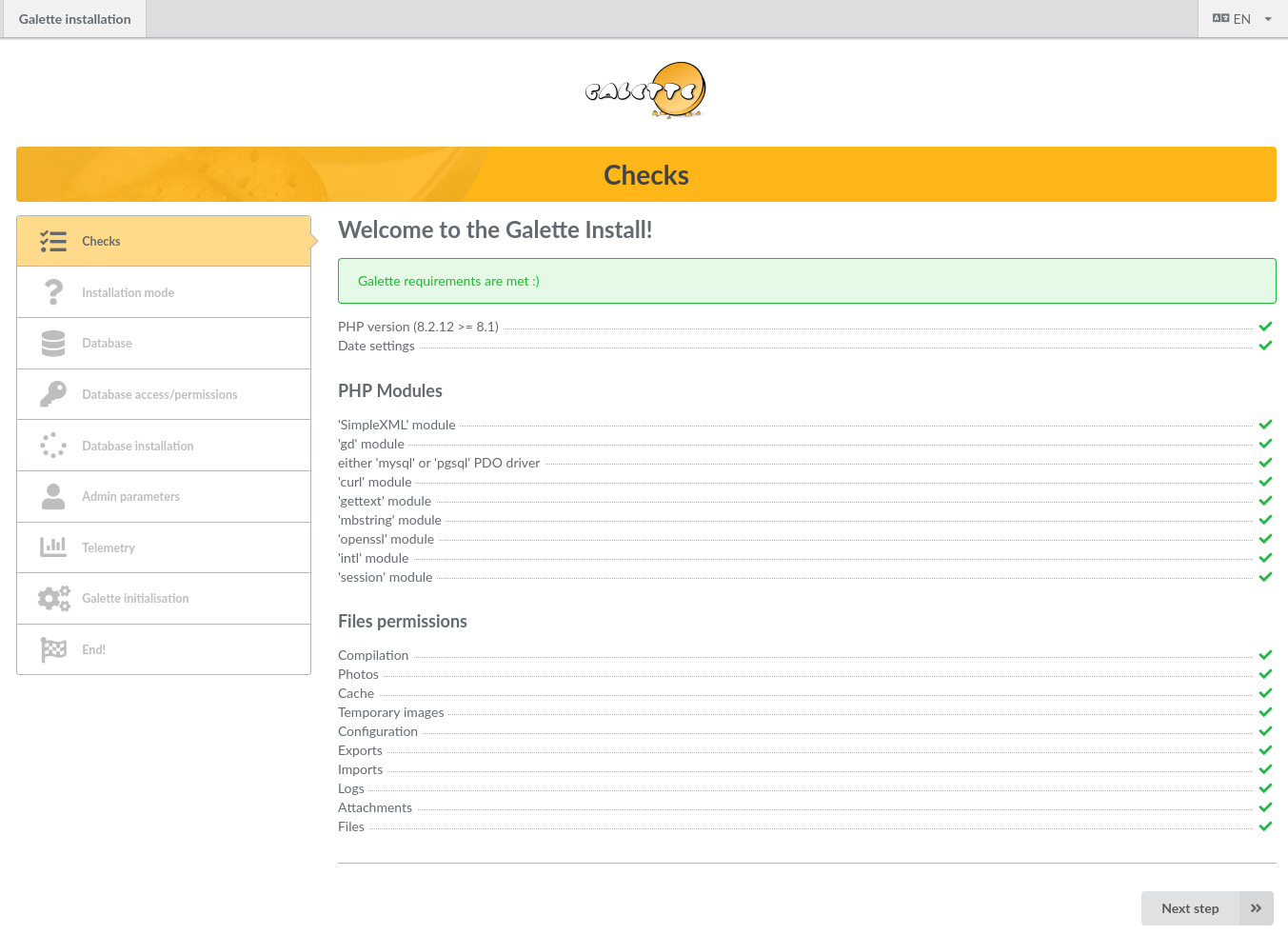
Se todos os passos da instalação tiverem sido corretamente seguidos, as permissões (ACLs) dos diretórios deverão estar corretas. Por favor, consulte a secção permissões de ficheiros ACLs e atualize a página no seu navegador.
Base de dados
Primeiramente, certifique-se de que o banco de dados existe e prepare todas as informações necessárias:
nome do anfitrião
nome de utilizador da base de dados
palavra-passe do utilizador da base de dados
nome da base de dados
tipo de base de dados (MariaDB/MySQL ou PostgreSQL)
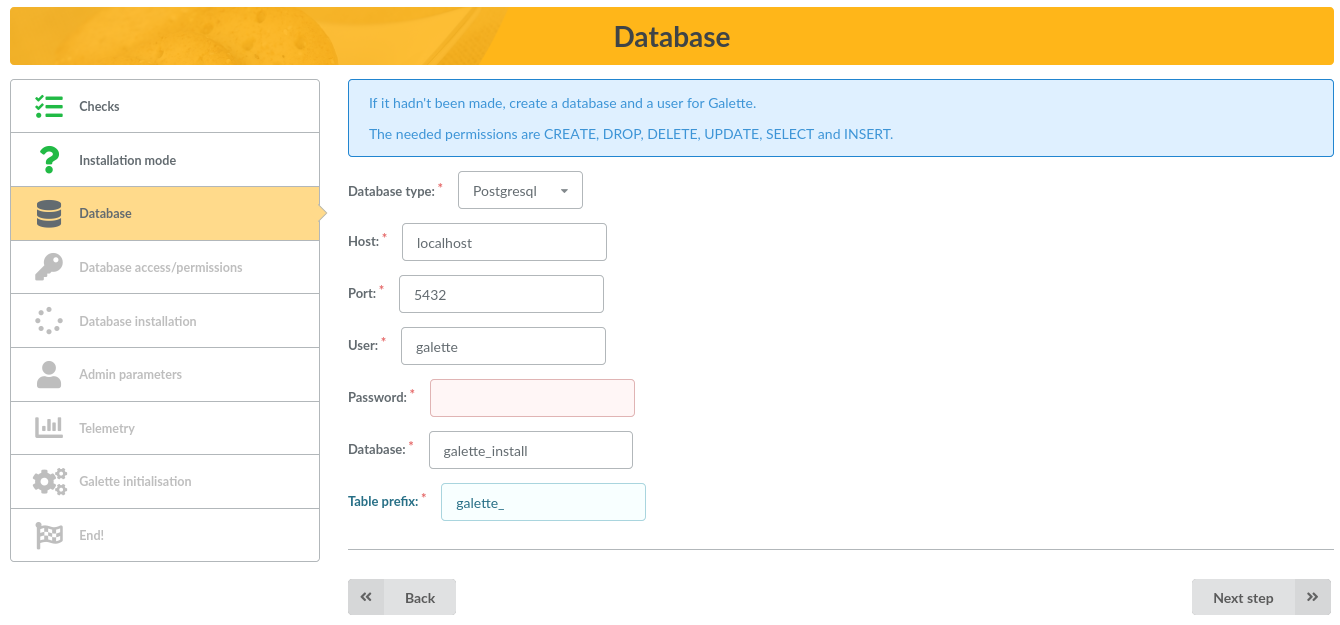
Parâmetros da base de dados
Nessa tela, selecione o tipo de banco de dados e insira o nome do host, o nome do banco de dados, o nome de usuário e a senha. O prefixo das tabelas é útil se você não tiver um banco de dados dedicado no Galette; a sugestão padrão deve funcionar bem, mas você pode escolher o que preferir :)
Nota
This step is displayed for a new installation only. When updating, everything - password included - is read from the existing configuration file, and the step is skipped. It only comes back if that file cannot be read, or if it is incomplete.
Database checks
A próxima tela tentará conectar-se ao banco de dados usando os elementos fornecidos e, em seguida, verificará se as permissões do banco de dados estão corretas (o usuário pode adicionar/remover/alterar tabelas e pode adicionar/remover/editar linhas, etc.).
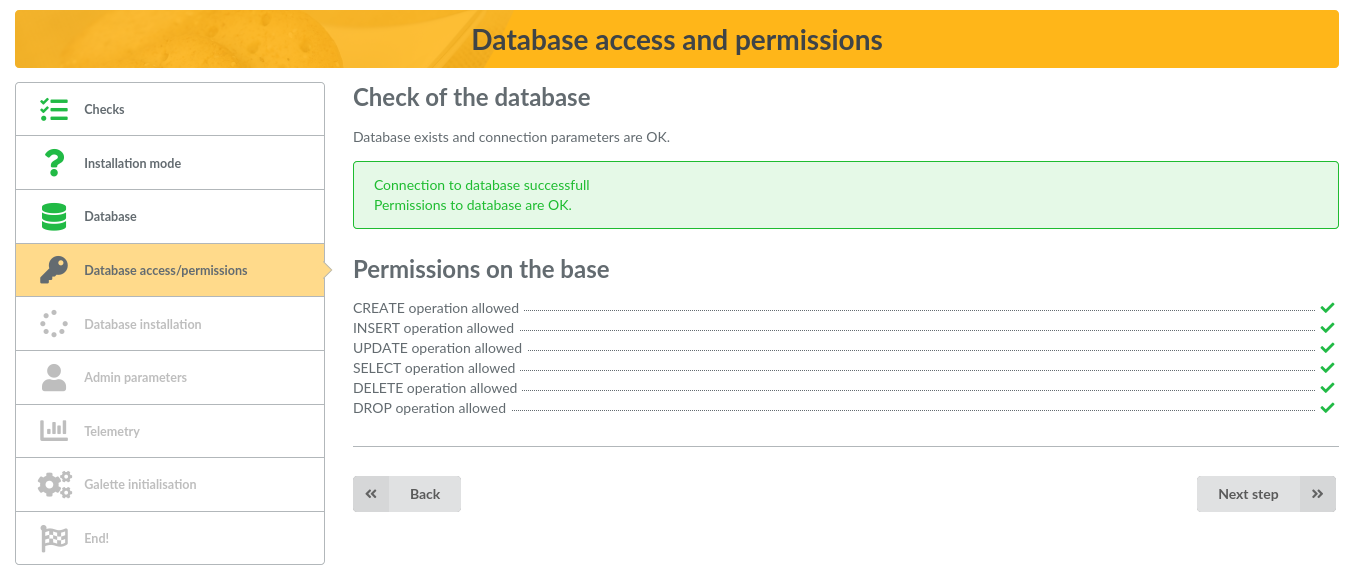
Se ocorrer um erro de conexão, volte à etapa anterior, corrija sua configuração e tente novamente. Se você encontrar problemas de permissões, resolva-os em seu servidor e use o botão «Atualizar».
Criar tabelas
Nota
Essas instruções são apenas para instalação. Ao atualizar, um banco de dados já existe.
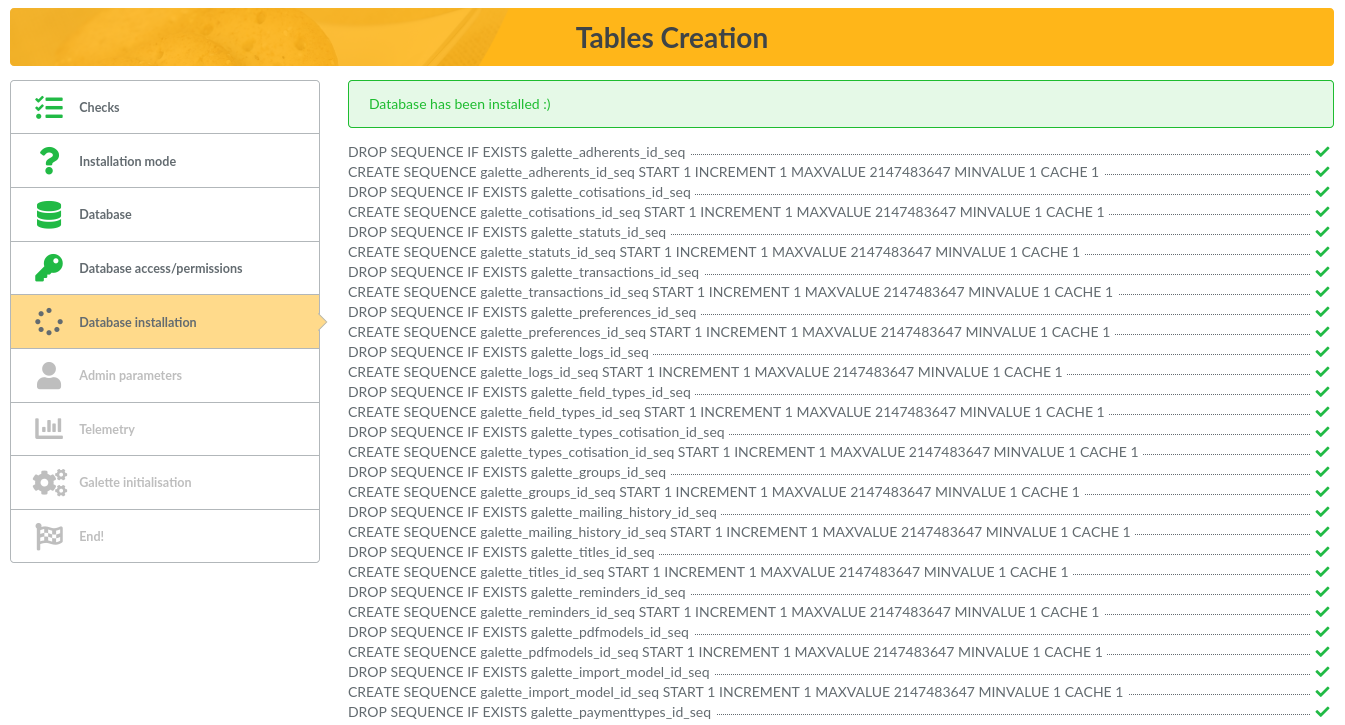
Se a conexão com o banco de dados for estabelecida e tudo estiver correto, o instalador criará as tabelas e inserirá os valores padrão. Você pode visualizar as tabelas criadas a partir de qualquer ferramenta gráfica ou na linha de comando:
MariaDB:
mysql> use mygalette;
mysql> show tables;
PostgreSQL:
postgres=# \c mygalette
postgres=# \dt
Parâmetros de administração
Nota
Esta tela é exibida somente durante a instalação. Ao atualizar, o usuário superadministrador já existe.
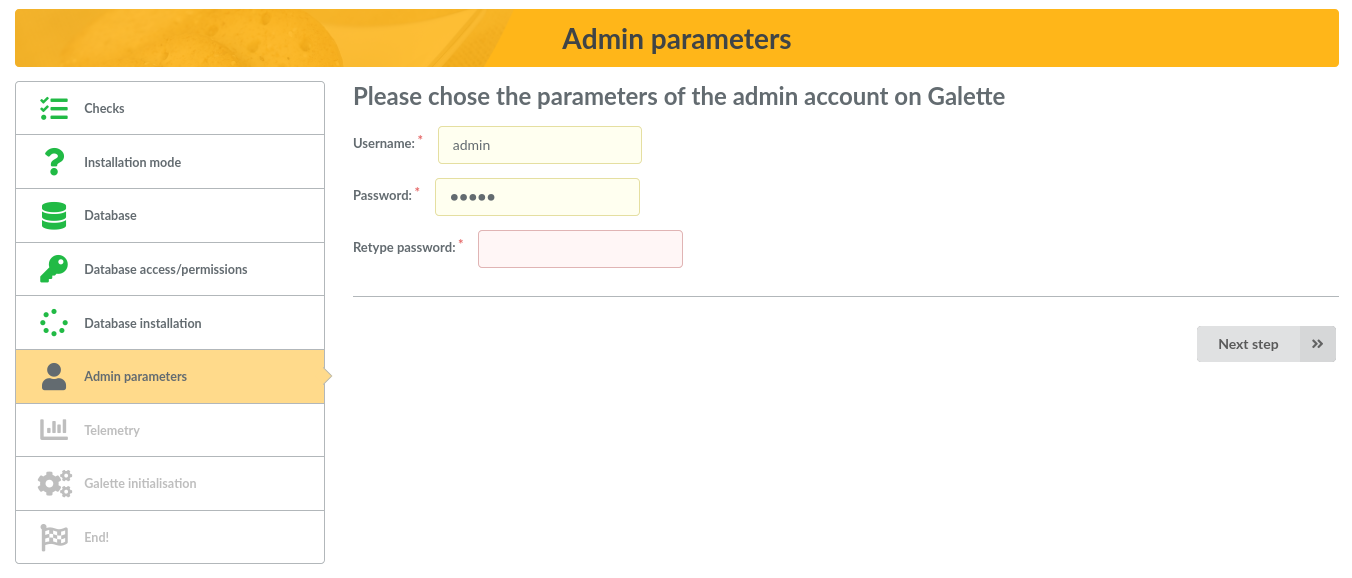
A próxima tela solicitará informações para criar o usuário superadministrador do Galette. No Galette, você pode definir alguns membros como administradores, mas o usuário criado durante a instalação não é um membro, não pode ser removido e possui alguns privilégios extras.
Telemetria
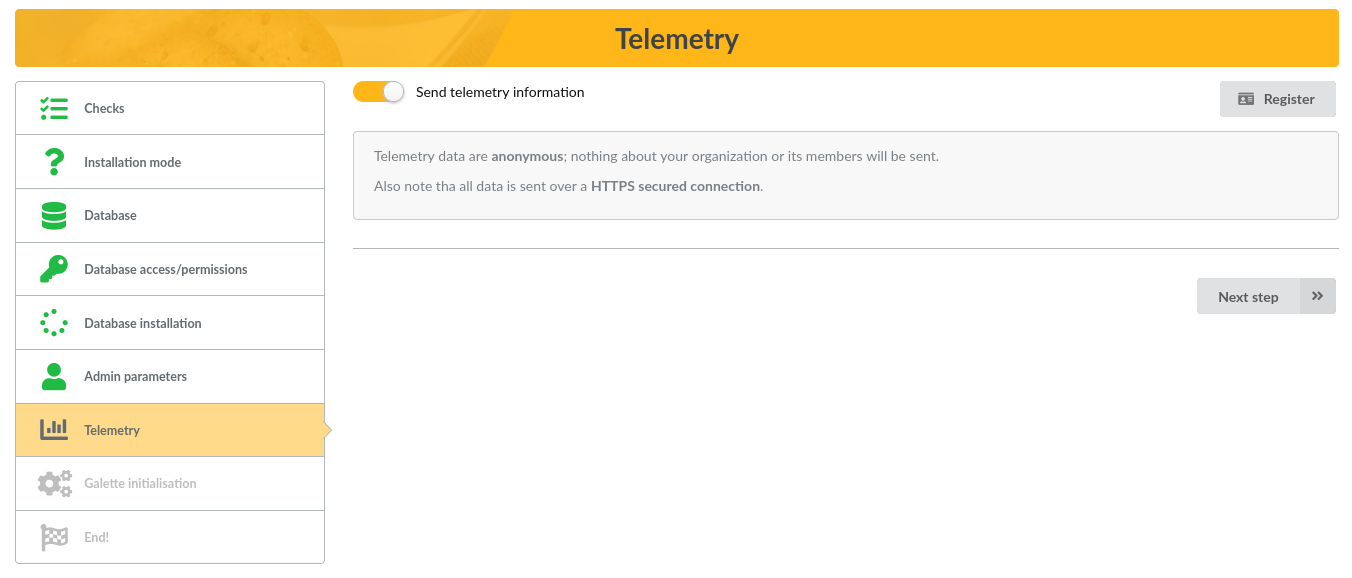
Para saber mais sobre as instâncias do Galette instaladas, tentamos coletar dados de telemetria anônimos. Você também pode se cadastrar como usuário do Galette :)
Inicializar
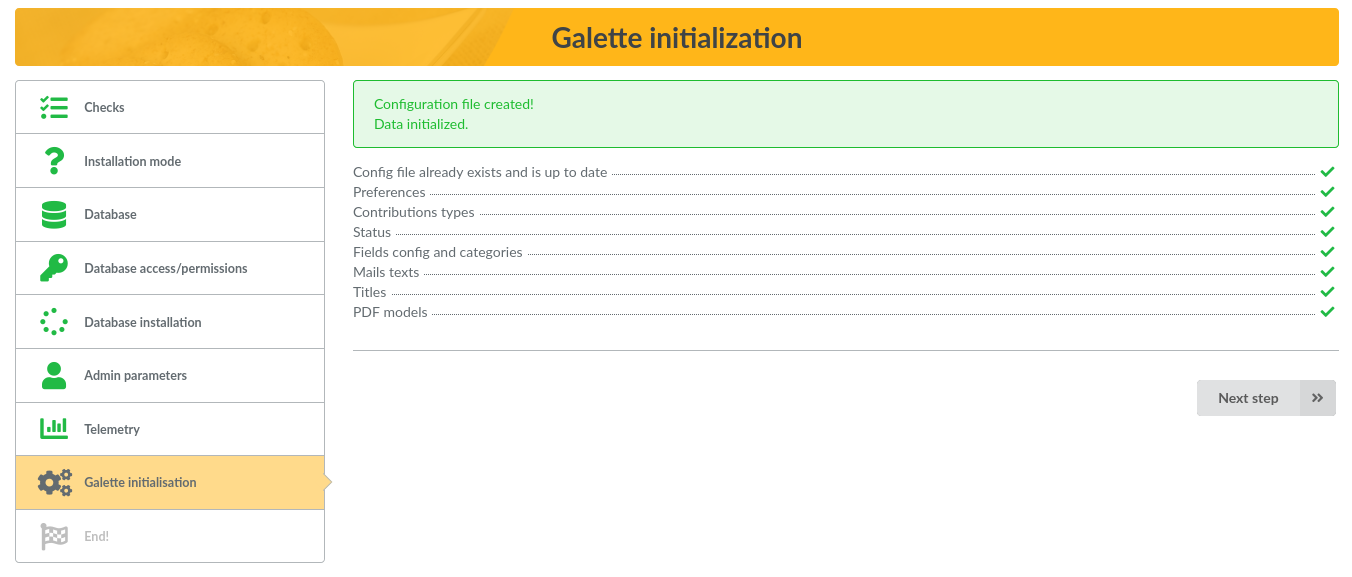
The last step will write the configuration file if needed, remove the ENABLE_INSTALL file, and initialize some values in your fresh database, as exemple:
Adicionar preferências padrão da Galette
Adicionar contribuições padrão e tipos de status,
Configuração de campos e permissões,
Textos para e-mails administrativos,
Títulos padrão dos membros,
Modelos PDF padrão
…
Ao atualizar, somente as preferências ausentes e os novos dados padrão, se houver, serão tratados.
Instalação concluída
A instalação está concluída, parabéns!
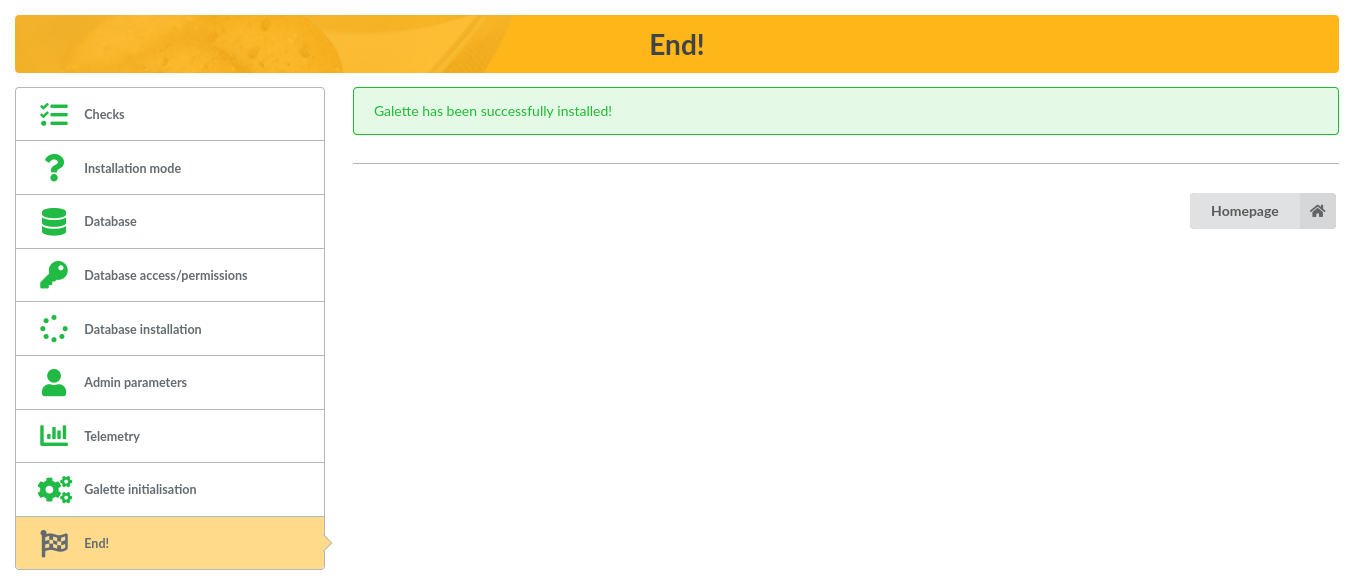
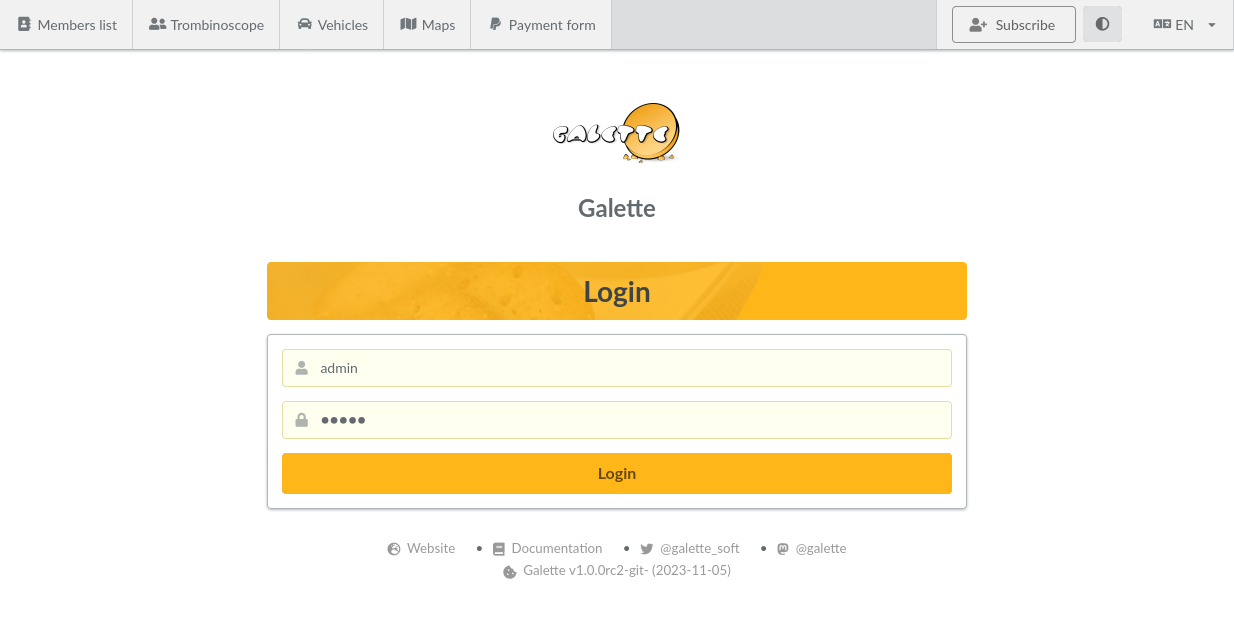
Agora você pode acessar o Galette usando as informações de superadministrador que você utilizou durante a instalação. Você também pode acessar o Manual do usuário do Galette.
Desfrute de Galette!