Pesquisar
Todas as pesquisas efetuadas serão guardadas durante a sua sessão. Pode alterar um parâmetro ou outro e, ao voltar para a lista, encontrará todos os parâmetros das pesquisas anteriores.
Filtragem da lista de membros
O formulário no topo da lista de membros permite-lhe fazer pesquisas entre os membros. A pesquisa avançada oferece mais critérios e possibilidades.

You can filter on:
a full text search on one of the following information:
name (first name, last name and nickname),
company name,
address (address, address continuation, zipcode, town and country),
email and instant messaging addresses (email address, website URL, and all direct messenging addresses),
job position,
information (public information and - for administrators only - private information).
a member status:
all members,
up to date members,
closes expiries (members whose membership expires in 30 days)
latecomers,
members whose never had a membership,
staff members,
administrators.
a status of the account:
all accounts,
active accounts,
inactive accounts.
group affiliation,
presence or absence of an email address.
All filters can be combined, giving you the ability to search among your active members whose have an email address and whose name contains a «a» ;)
Pesquisa avançada
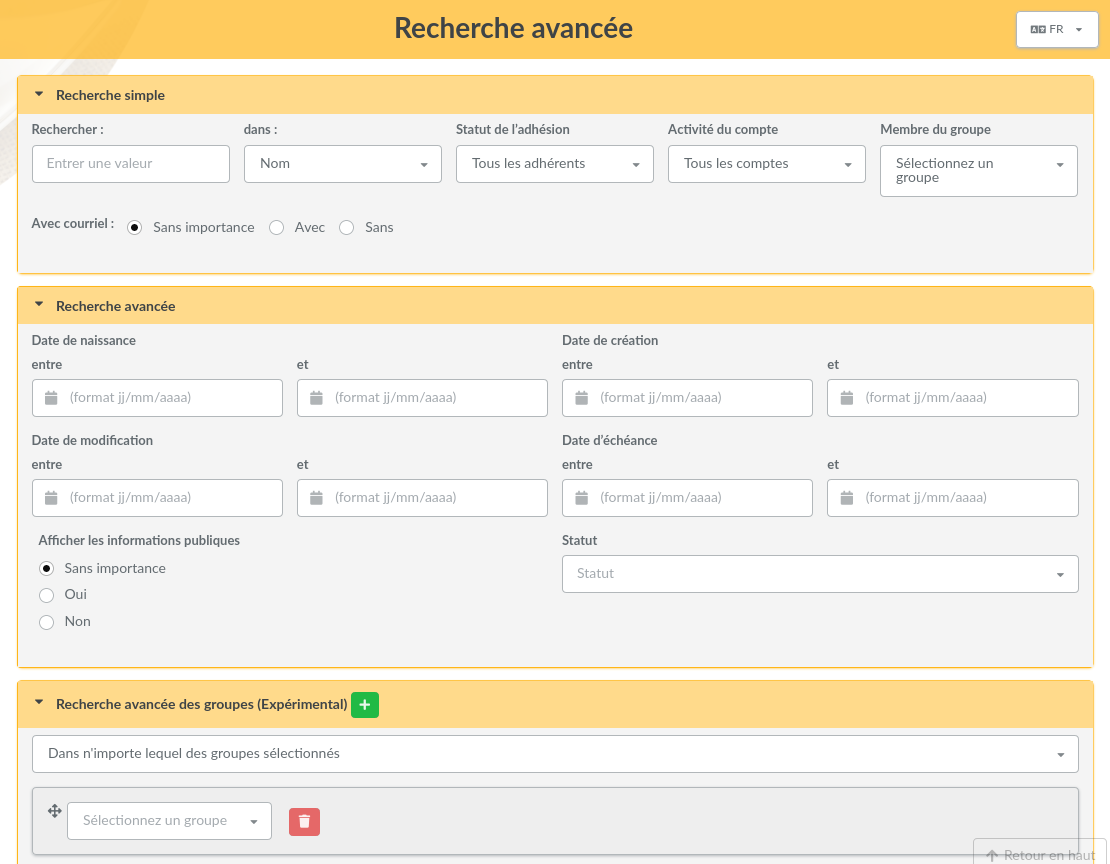
Advanced search can be found in the main menu and propose an certain amount of fields types, related to members or their membership. The screen is separated into four parts (you can reduce individually):
simple search which recall all filters present in the members list,
advanced search which proposes extra fields on members that can be of use,
search in contributions allowing search on members contributions,
free search which allow to select any member field possible, including dynamic fields, and which will automatically adapt to selected field. You can add and remove lines to refine search.
Pesquisas guardadas
Novo na versão 0.9.3.
Every search on members can be stored (with a name) in order to be executed again later. They are accessible only for their author.
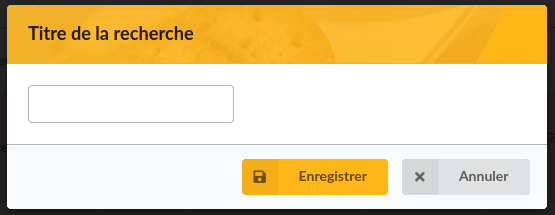
After you proceed a search («simple» or «advanced»), just click on the «Save» button, and pick up a name.
You can find saved searches in the list:
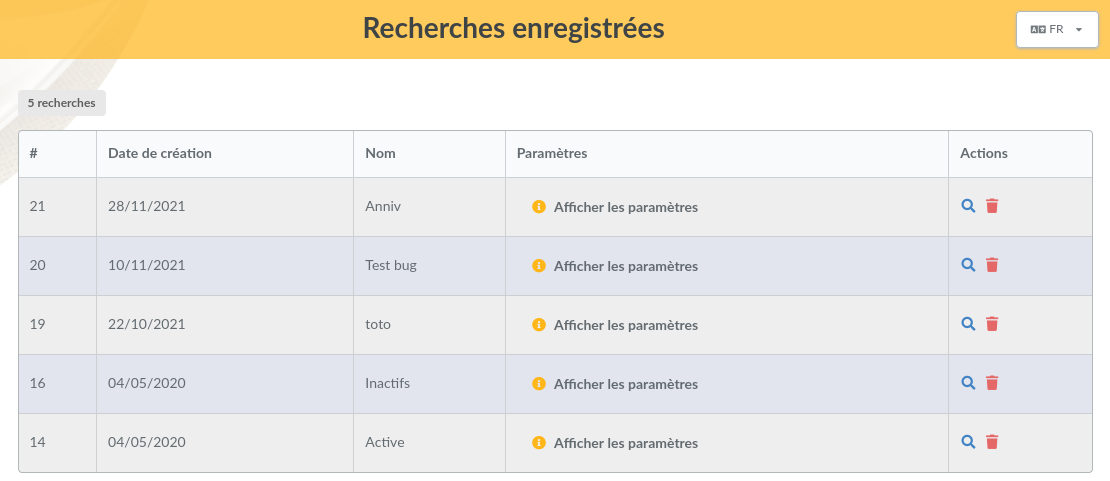
From this list, you will be able to remove or execute again searches, and also see a detail of used criteria.